Features · Trip planner
Trip planner
Four free hours? Here's a plan.
Say where, how long and what you're into. The assistant plans a few routes through real places, you pick one, and Foothold keeps the clock while you go.
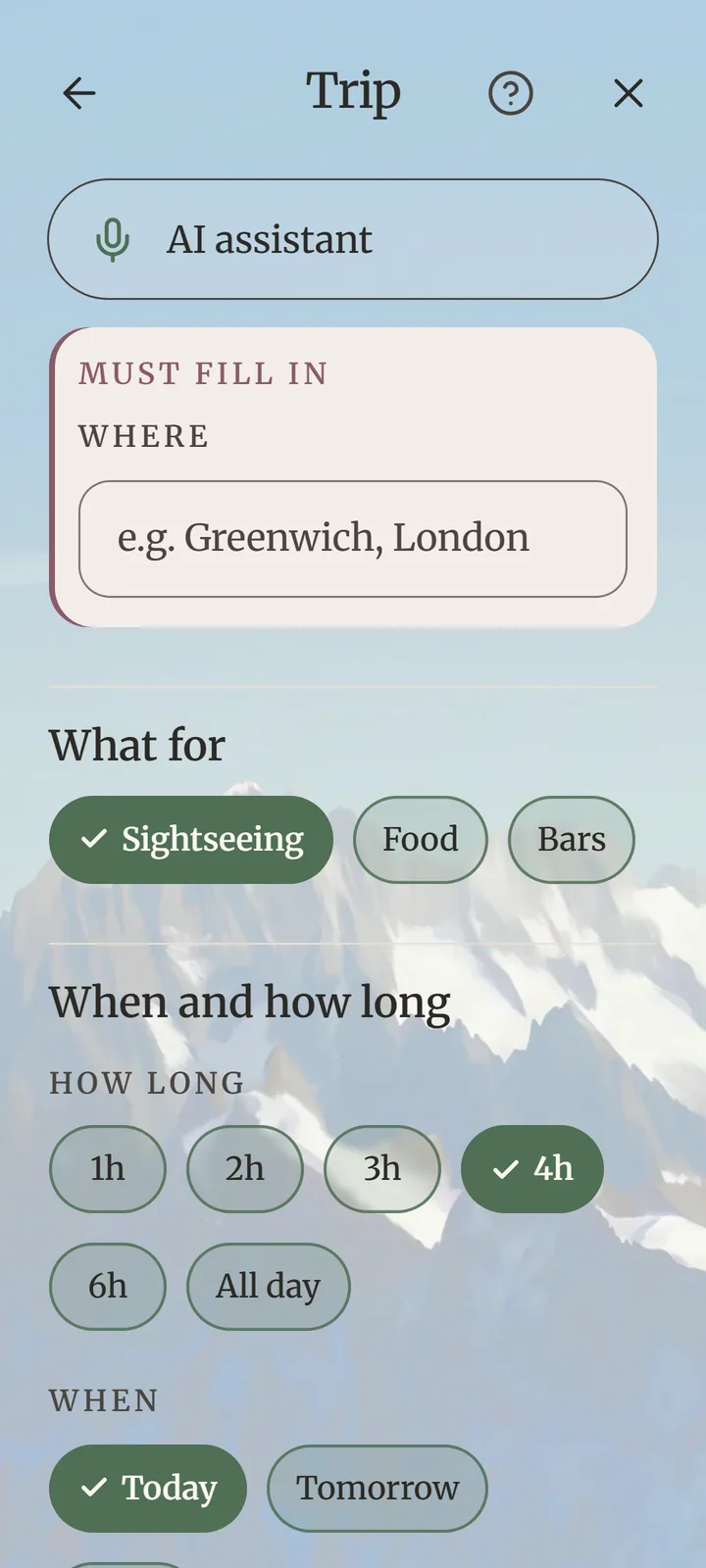

Say where, how long and what you're into. The assistant plans a few routes through real places, you pick one, and Foothold keeps the clock while you go.
Sightseeing, food or bars; where; how long — from an hour to all day; when. Add a budget and a pace if you like.
The assistant makes a few plans — up to ten — and checks each place. Pick the one you like.
Start the trip: the next place and when to leave, a map, Visited and Skip, and a nudge on the way.
Every stop is a real place from OpenStreetMap or the web — where it is, what it offers, what it feels like. When too little is known about a place, Foothold says so. When there aren't enough real places nearby, it says that too, instead of inventing them.
Only when you tap Show me on the map — Android asks the first time. Foothold then shows how far each stop is, while the screen is open. It keeps your location nowhere and sends it nowhere.
Planning a trip uses the AI allowance. Foothold Plus includes about four trips a month, and a top-up adds more on any plan. See the plans.
 Find your foothold
Foothold is in testing now and on its way to Google Play. Free to start, with calm ads — or none, once, for €9.99.
Coming soon to Google PlayOn iPhone? Leave your email and we'll tell you when it's ready.