Features · The AI assistant
The AI assistant
Say it. It's on your day.
“Dentist Friday at 10, then groceries.” Say it or type it, and the assistant fills in the tasks — you check them before anything is saved.
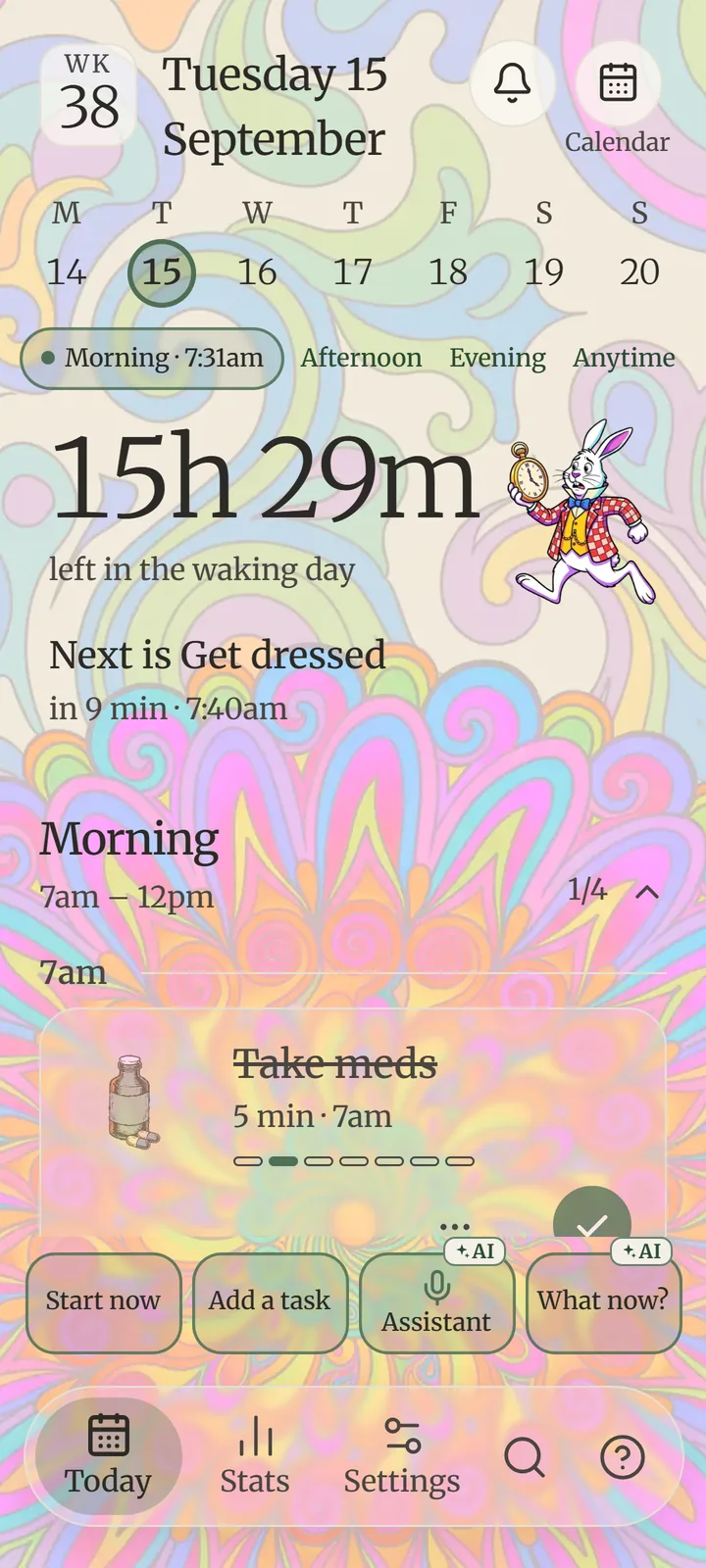

“Dentist Friday at 10, then groceries.” Say it or type it, and the assistant fills in the tasks — you check them before anything is saved.
“Take the bins out every Tuesday at 8.” It works out the kind, the time and how it repeats.
“Move gym to tomorrow.” “I've done the laundry.” It moves, changes or ticks tasks for you.
“A 25-minute timer for the email.” Start now's assistant starts what you say.
A routine, a list or a workout — it suggests the steps, and one tap puts them in.
“Which days did I skip my walk?” It answers from your own record — and The week in words sums up the week.
It shows what it understood; nothing is saved until you say so.
When the list is too much, tap What now? It picks one task from your day for this moment. Start with this, open it, or ask for something else.
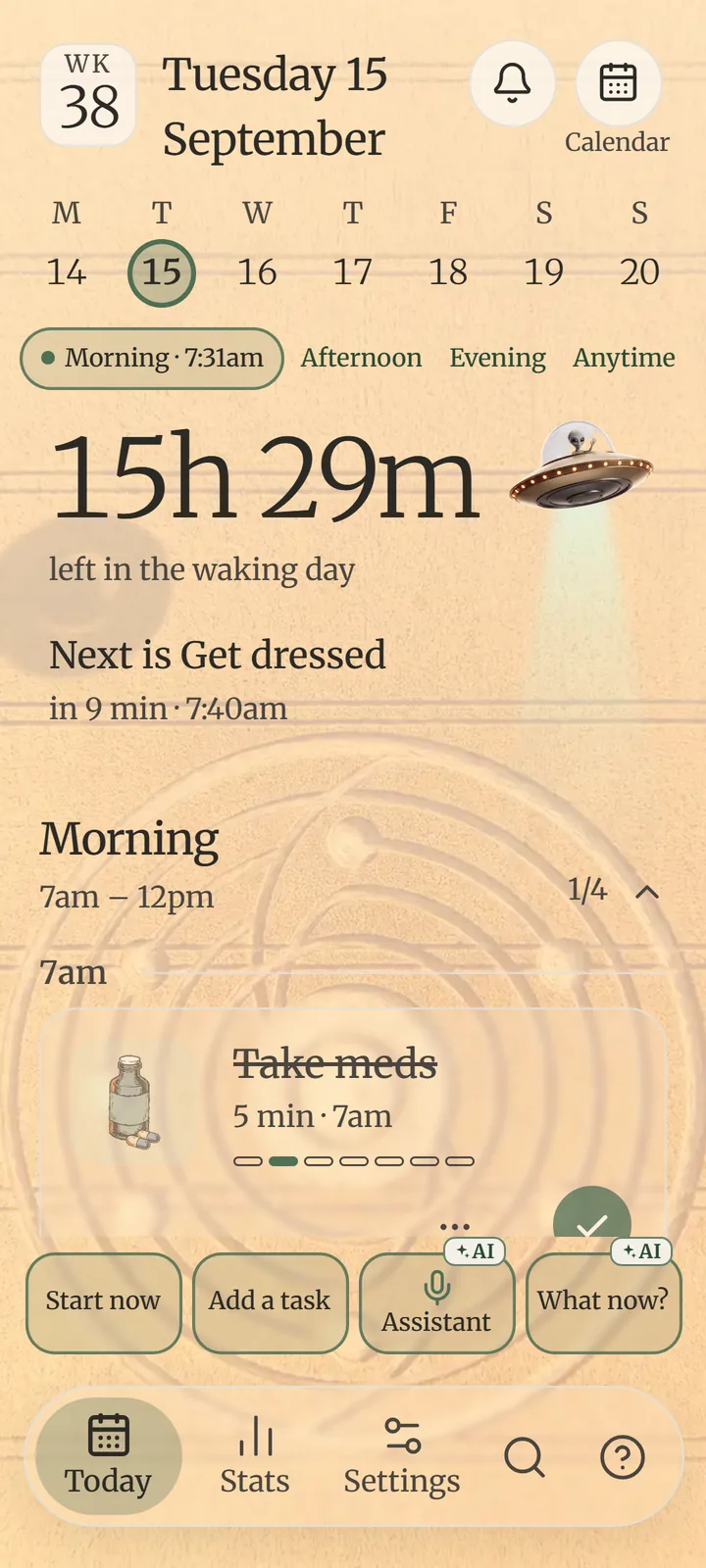

Free includes a small monthly allowance to try it, and watching a short ad adds a few more, up to three times a month. Foothold Plus includes about 300 questions a month; a top-up adds more on any plan. See the plans.
Only what you ask it, sent to Foothold's server to be answered. Your tasks otherwise stay on your phone. The privacy page says exactly what.
 Find your foothold
Foothold is in testing now and on its way to Google Play. Free to start, with calm ads — or none, once, for €9.99.
Coming soon to Google PlayOn iPhone? Leave your email and we'll tell you when it's ready.