Features · Shopping list
Shopping list
From recipe to basket.
A shopping list that's part of your day: written when you think of it, filled from a recipe in one tap, and open on the screen in the shop while you tick things off.
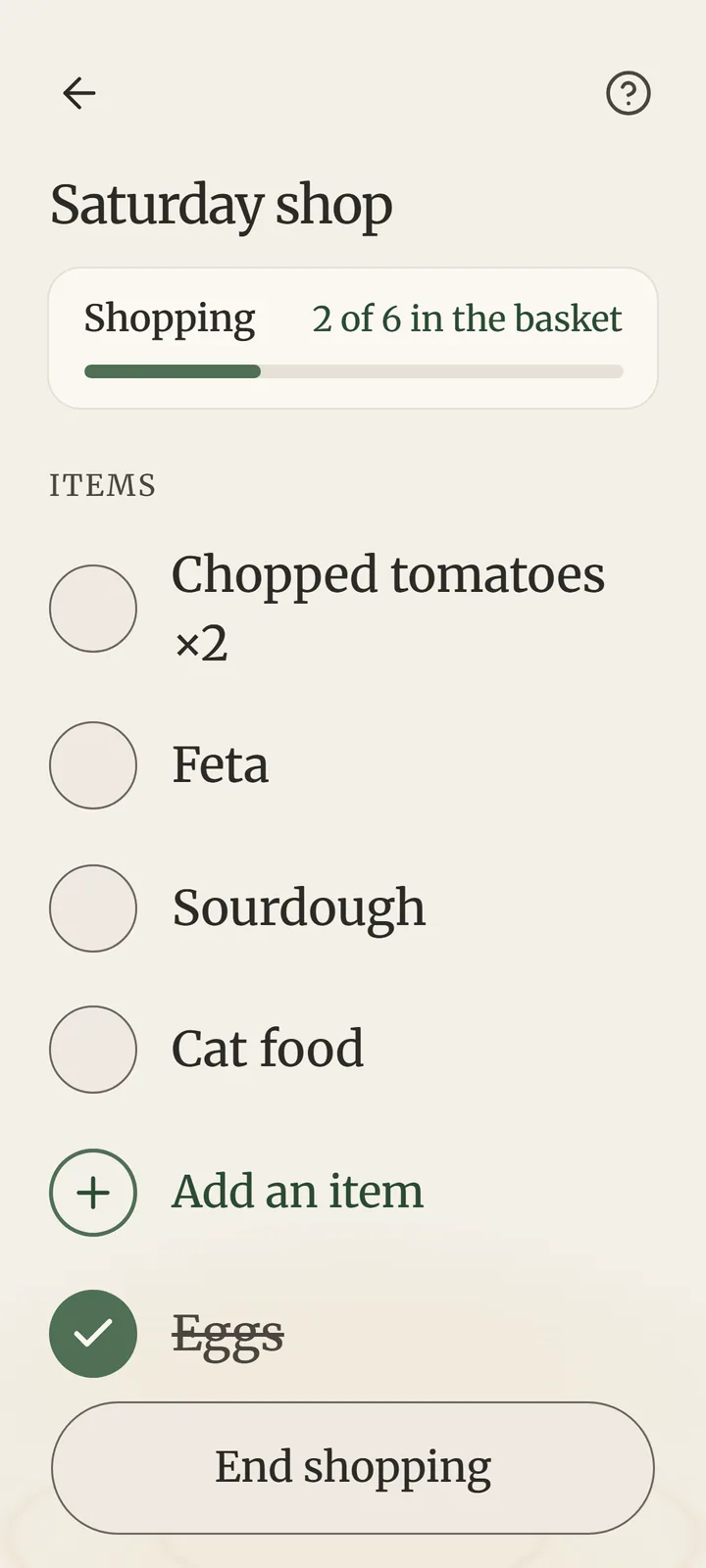
A shopping list that's part of your day: written when you think of it, filled from a recipe in one tap, and open on the screen in the shop while you tick things off.
List what to buy. Foothold remembers what you bought before and suggests it.
Look up a recipe in your browser and tap “Add the ingredients to Foothold”. Untick what's already at home.
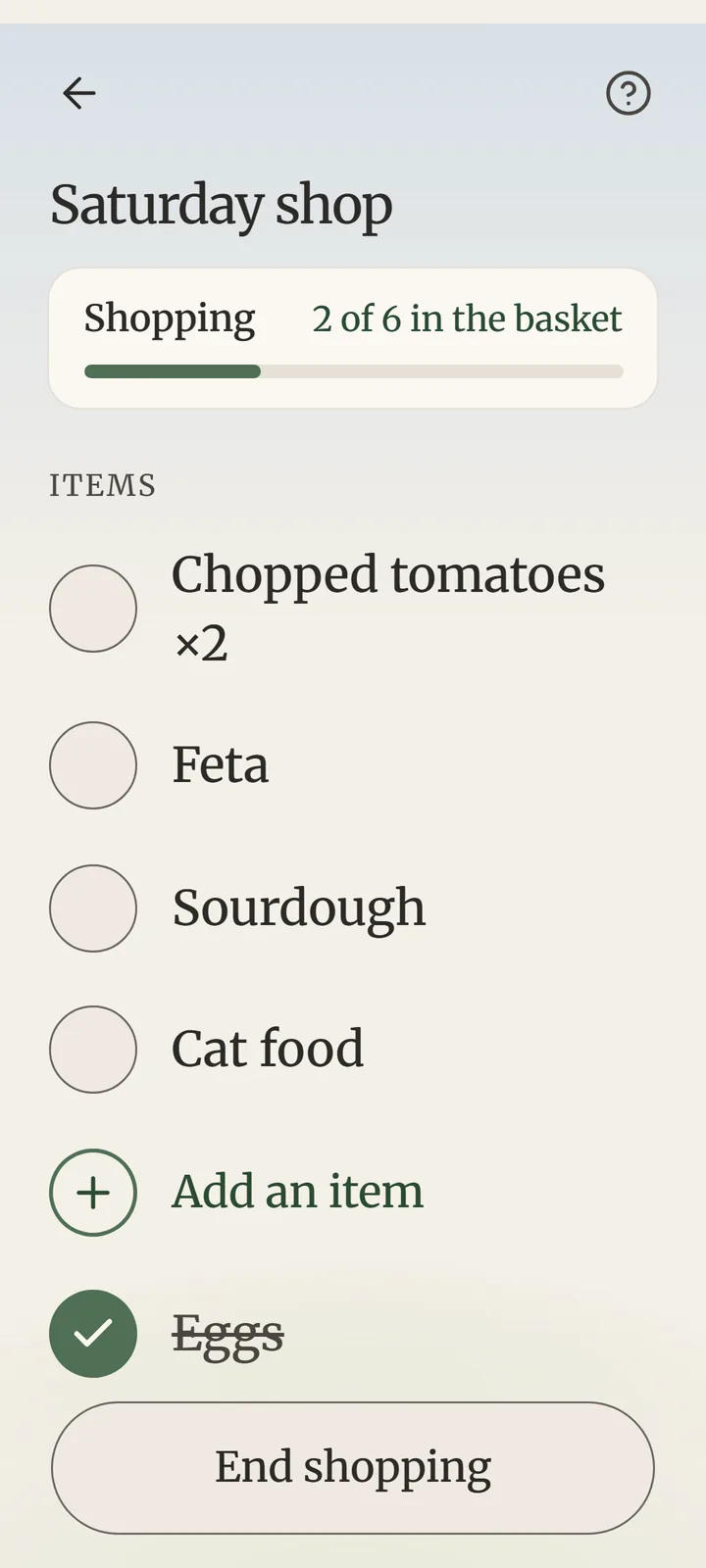
Start it: shop mode keeps the list on screen, what's left on top and the basket at the bottom.
A shopping list runs in the background with its own card on Today — “Bought 2 of 5” — so you can check a message and come back. The last thing ticked ends the shopping by itself.
No. Foothold downloads that one recipe page straight from its website, as a browser would, to read its ingredients. Nothing about you or your tasks goes with it.
Yes — Start now › Shopping list starts it this minute.
Yes, on every plan.
 Find your foothold
Foothold is in testing now and on its way to Google Play. Free to start, with calm ads — or none, once, for €9.99.
Coming soon to Google PlayOn iPhone? Leave your email and we'll tell you when it's ready.