Foothold shows how much of your day is left and the one thing to do next — right on your home screen. No calendar grid, no streaks to break. Dressed in a world you'll like looking at.

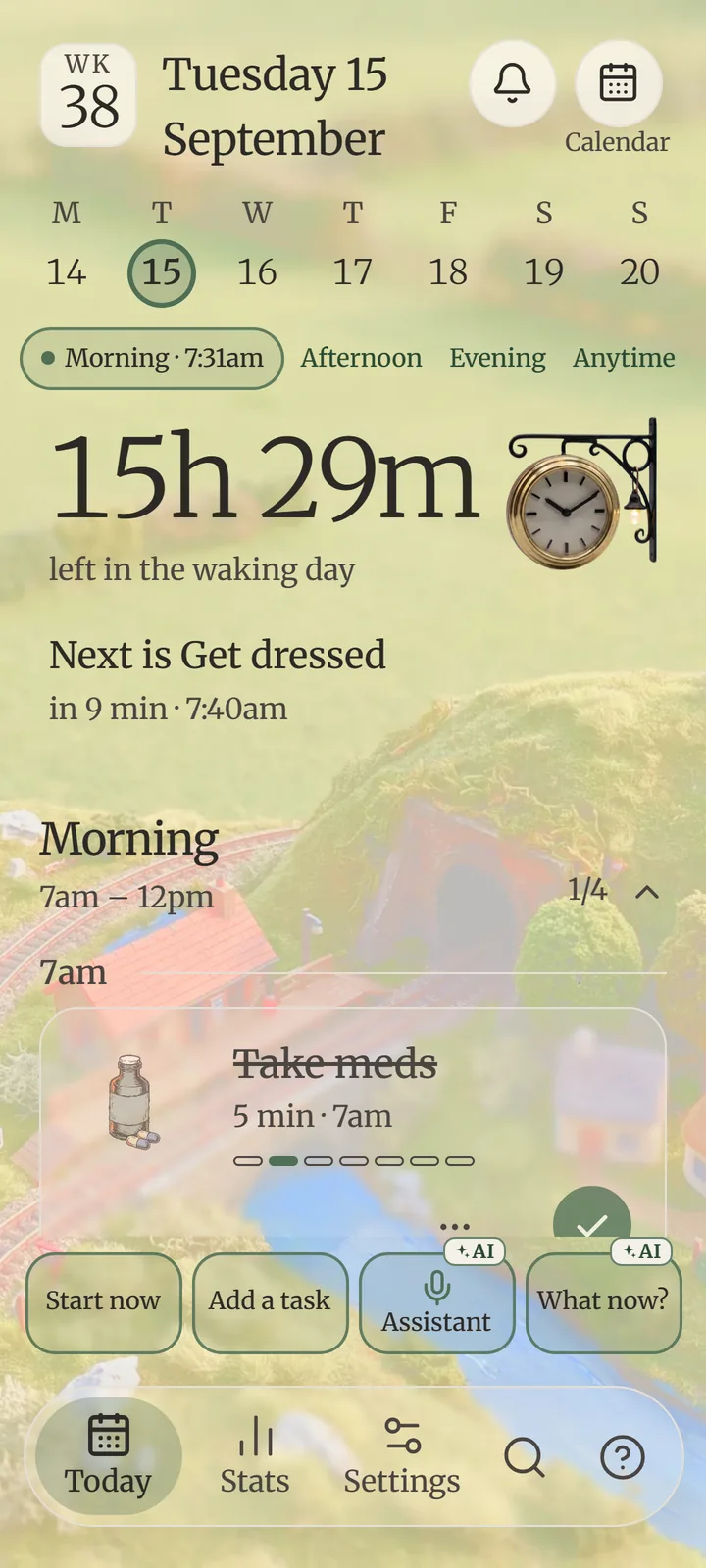
That's how much of your waking day is left. Time blindness makes this number invisible — Foothold keeps it in sight, so later stops sneaking up on you.
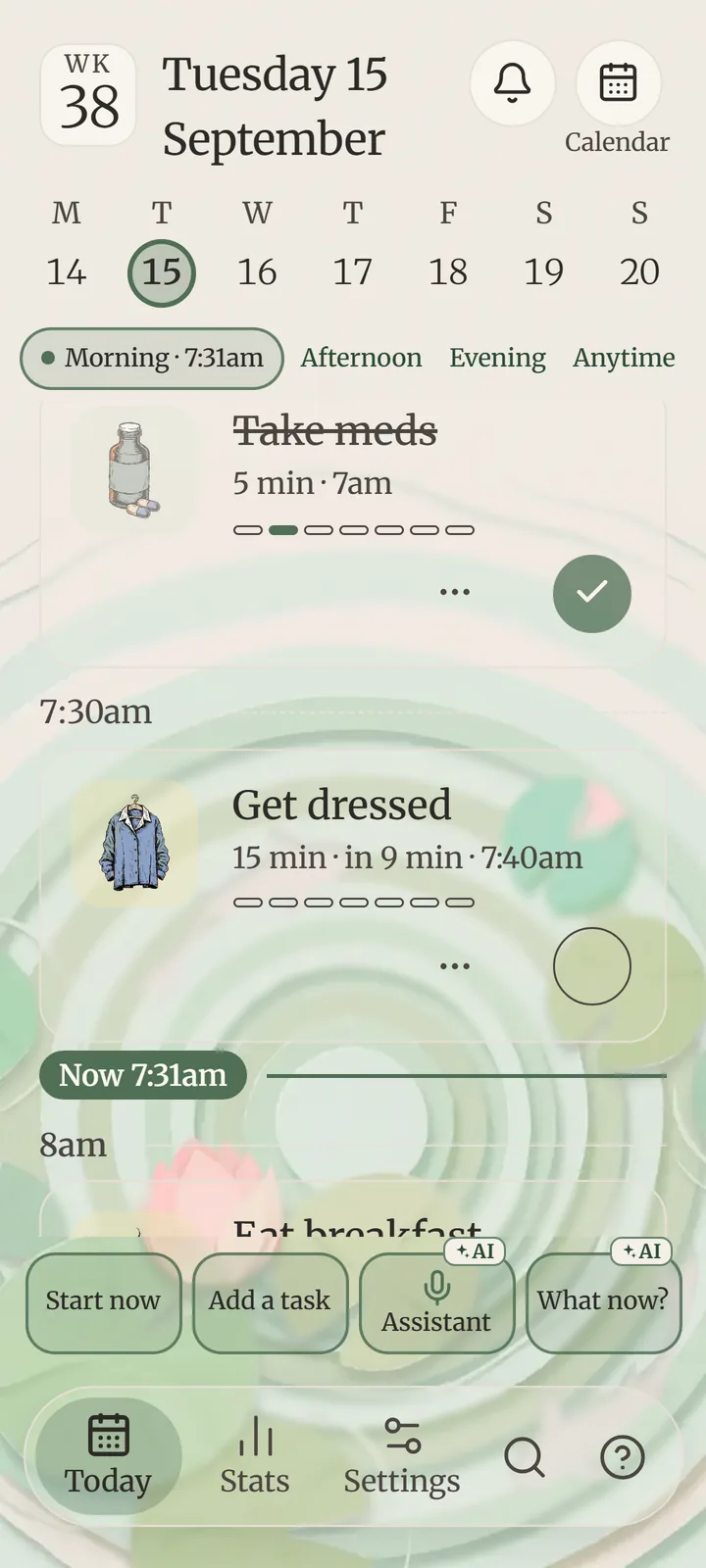
Your day as a short list of next steps, the current part marked NOW. Every task a card with its own icon, how long it takes and when — so a task looks like a task.


Most people with ADHD try a planner, then never open it twice. So Foothold lives on your home screen: what's next, how long it takes, and how much day is left — every time you unlock your phone.
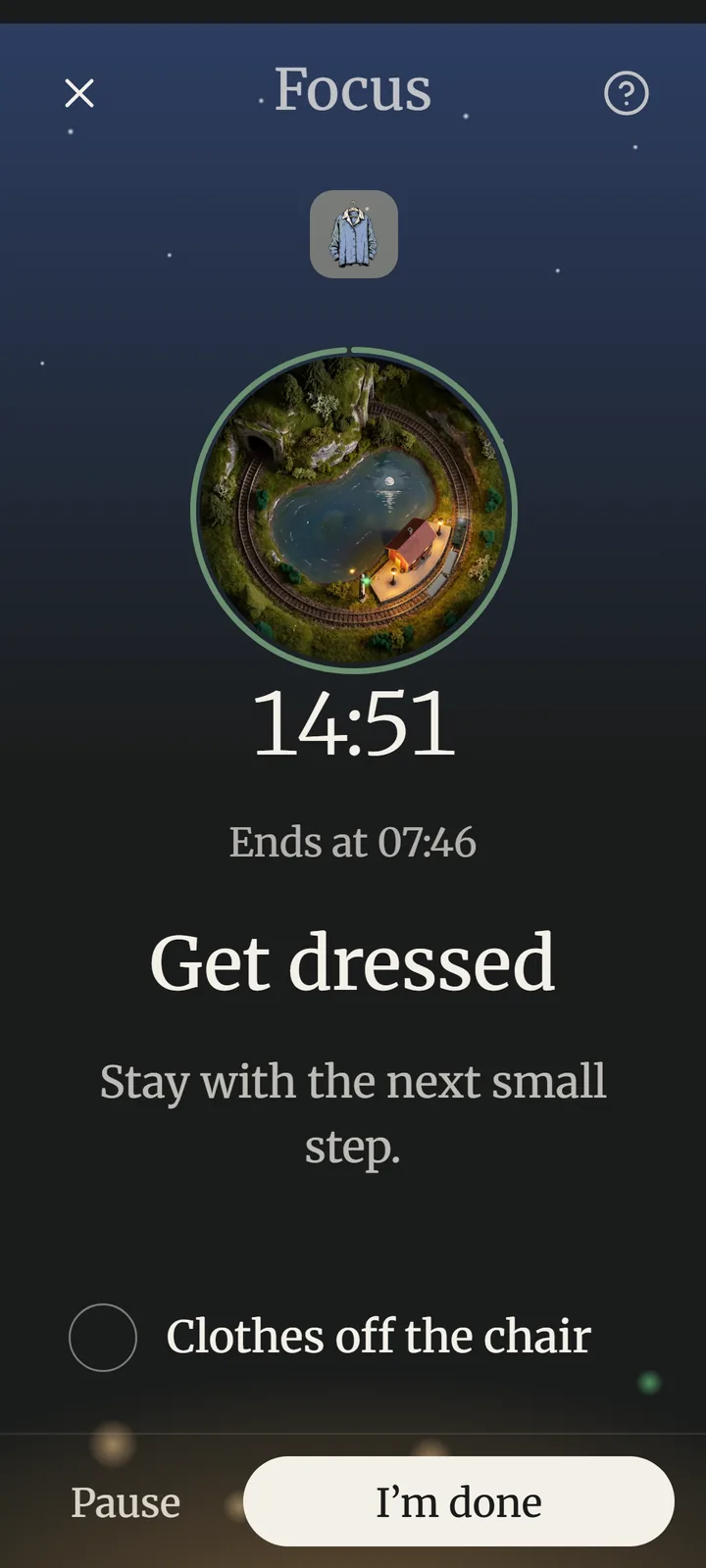
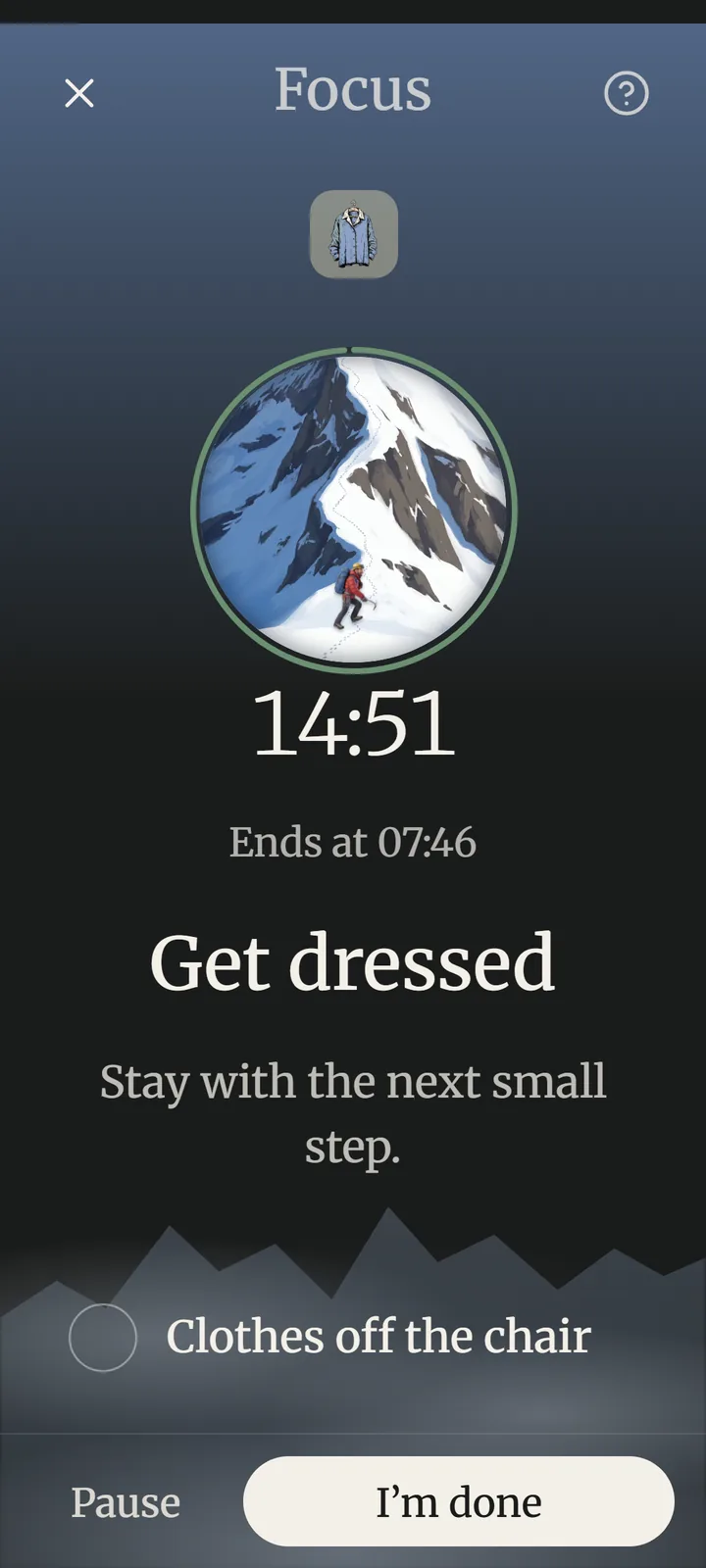
Start a task and everything else goes away. A ring, a big clock, a window into your style — and the next small step. Nothing to scroll, nothing to decide.


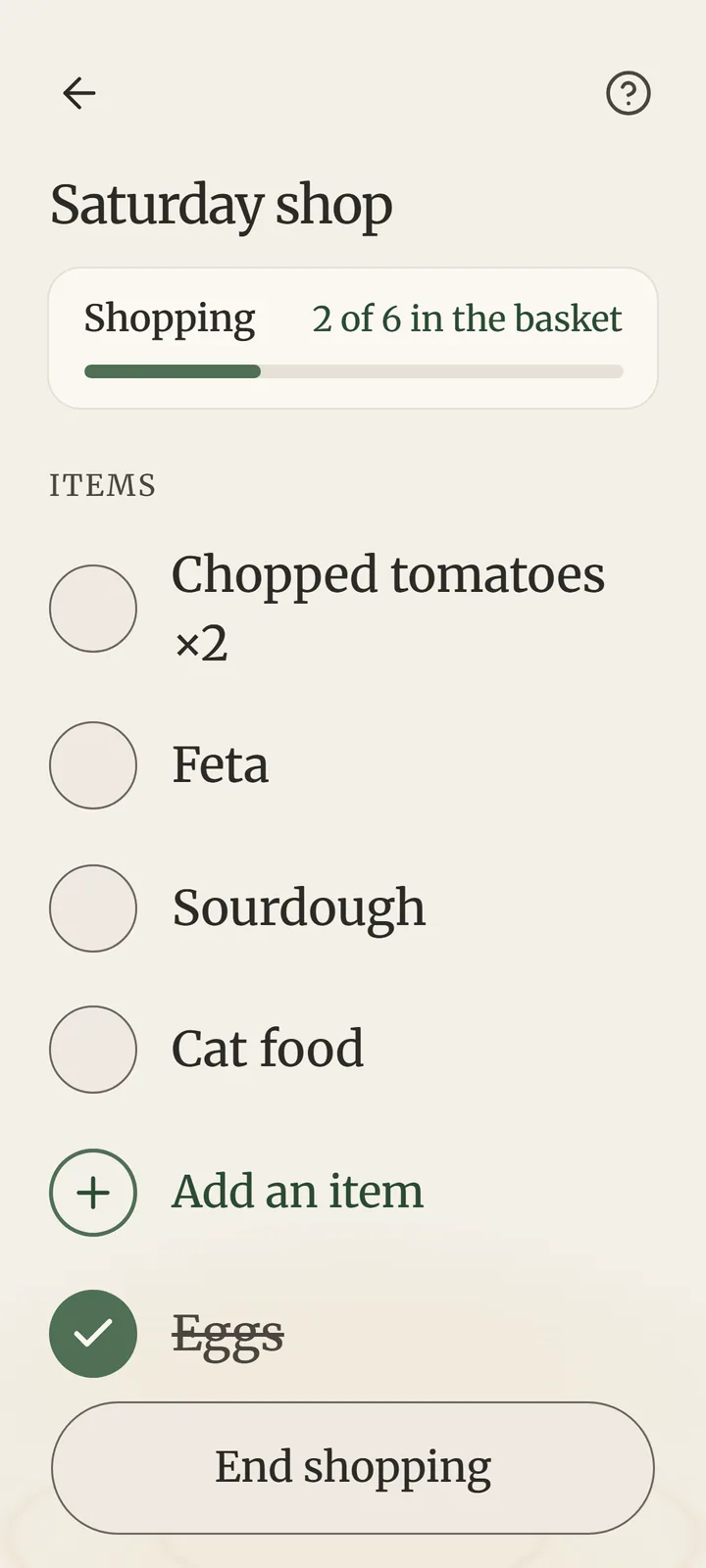
Found a recipe? Tap “Add the ingredients to Foothold” and they land on your list — untick what's already at home. In the shop the list stays on screen, the basket at the bottom, while you tick things off.


Tap record — it keeps going with the screen off. Afterwards the AI turns the talk into a short summary: what was decided, what's on you, and what's still open.

Say where, how long and what you're into — sights, food or bars, a budget, a pace. The assistant plans real routes, you pick one, and Foothold walks you through it: the next stop, and when to leave for it.

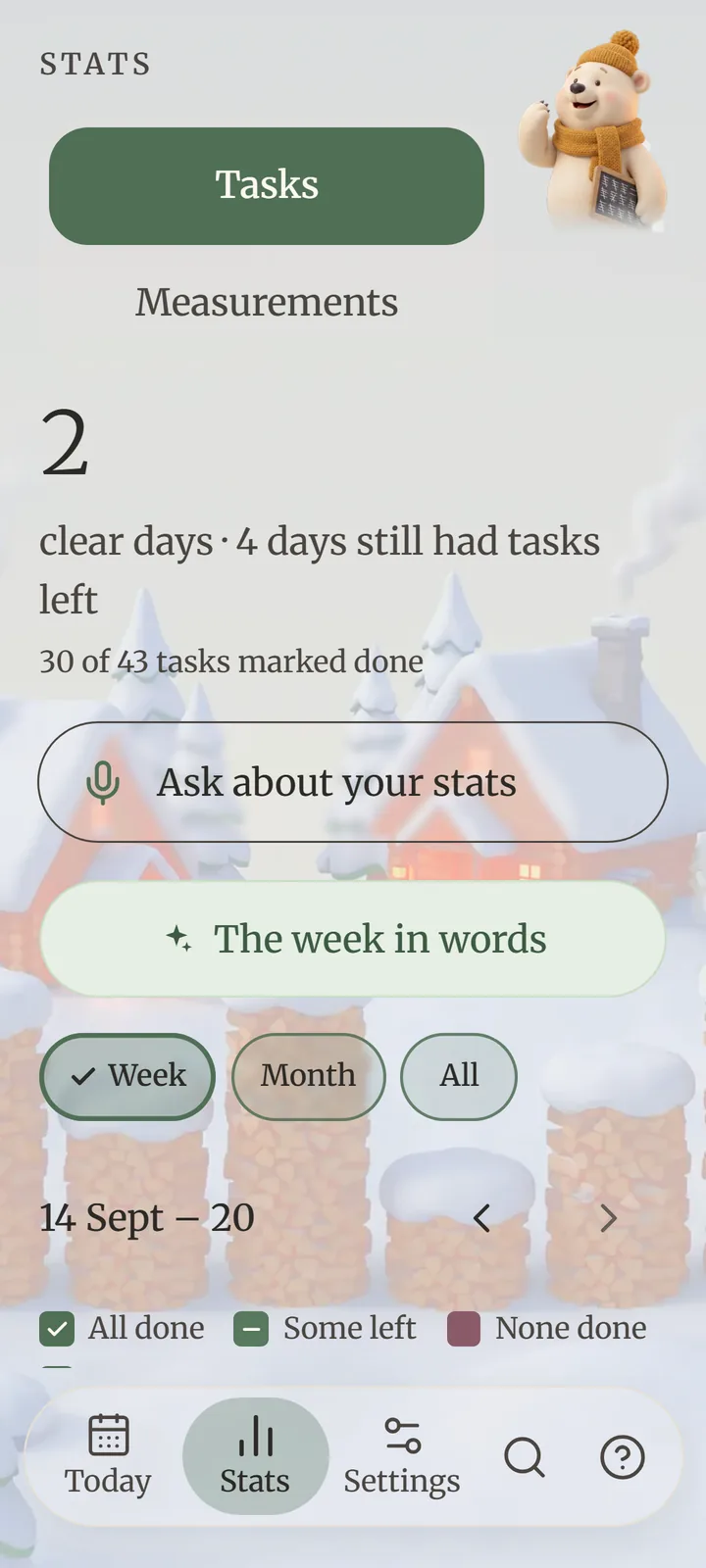
See which days everything got done and which tasks tend to slip. Ask about your week in plain words — or tell the assistant “dentist Thursday at 3, then groceries” and it lands on your day.


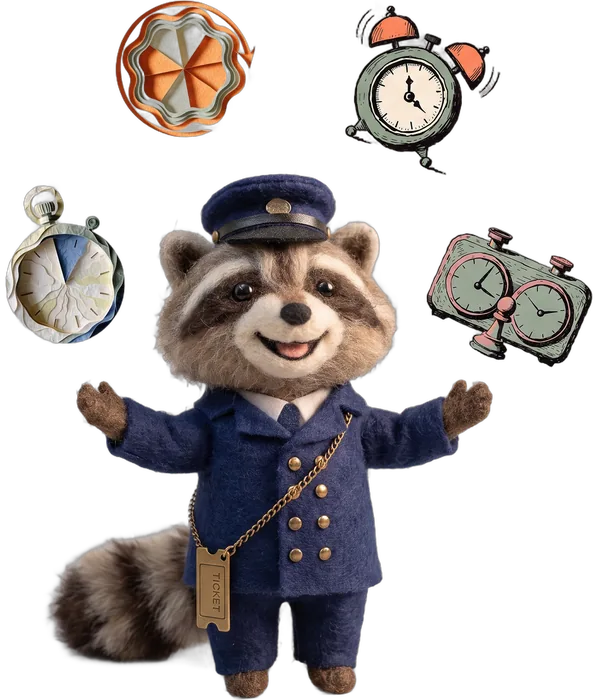
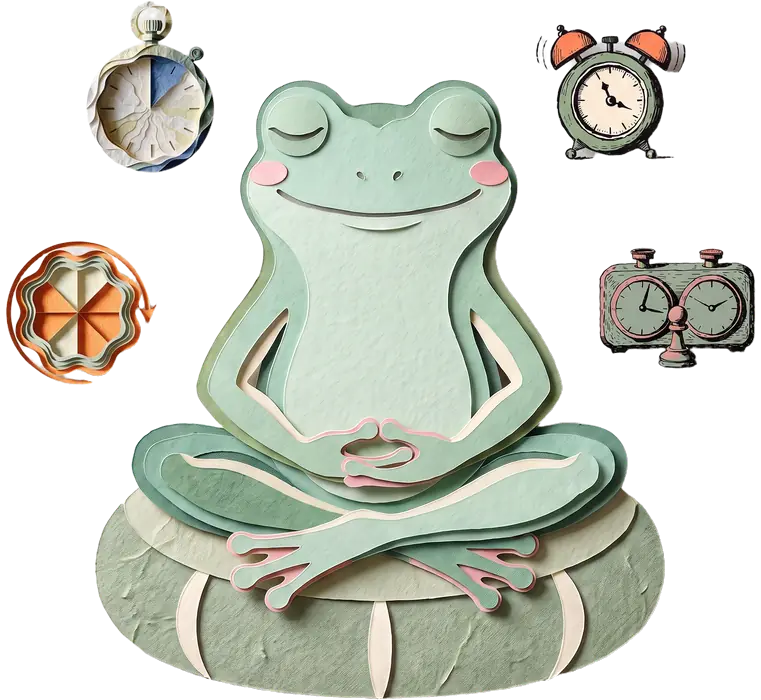
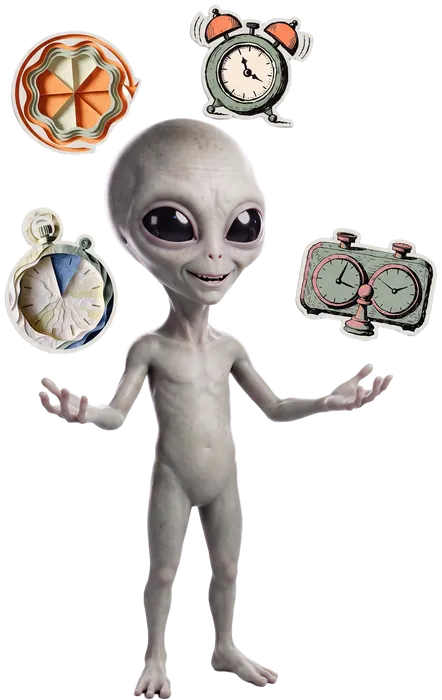
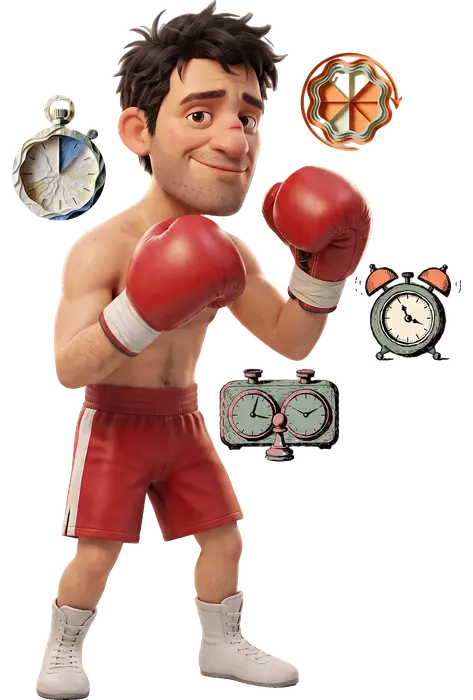
Each style dresses every screen — a picture behind Today, a companion on every screen, a window in the Focus ring, its own colours by day and by night. Four are free; the other five come in two packs you can try first. Change it any time in Settings.
See every style up close →Free
A climber doesn't look at the whole wall. They find the next hold. Foothold plans your day the same way.
The widget shows the next thing and how much day is left. No app to open.
One tap starts a calm timer, with the task broken into tiny steps.
Tick it and the day moves on. Missed something? Nothing breaks.
Every planning feature is free. Pay once to remove the ads, or monthly for a bigger AI allowance — and top up only if you run out.
Want another world? The Sport pack (Boxing, Muay Thai, Ping-pong) and the Wild pack (Aliens, Psychedelic) are €2.99 each, paid once. Try them in Settings first. Plus includes both.
Ran out of AI this month? Top up for €1.99, €4.99 or €9.99, paid once. Top-ups never expire.
Foothold is still in testing: these are its prices from launch. Prices in euros; Google Play shows yours in your currency. No free trial — Free already lets you try the assistant.
It's designed around ADHD and time blindness, but it works for anyone who loses track of the day, gets stuck starting things, or finds normal planners too much.
Your tasks and your day stay on the phone — no account, no sign-in. Only what you ask the AI to do (a question, a trip, a recording's summary) goes to Foothold's server to be answered. On Free, the ads come from Google's ad network. The privacy page says exactly what.
On Free, from your second week: a short break after every ten tasks done — never in the middle of one, never when something is about to start — and a small banner at the foot of Stats. Never on Today or the widget. Remove them for good with No ads (€9.99, once) or with Plus.
Any time, in Settings › Appearance › Theme — nine styles and plain Paper, each in light and dark. The background picture can be turned on or off.
Four are, along with plain Paper: Railway, Zen, Mountains and Winter cabin. The Sport pack (Boxing, Muay Thai, Ping-pong) and the Wild pack (Aliens, Psychedelic) are €2.99 each, paid once, and Plus includes both. You can try any of them in Settings before buying. If you're already using one when the packs arrive, you keep that one.
Yes, on Android. Foothold is in testing on Google Play and takes volunteers: leave your email below, with the Google account on your phone, and we'll write back with the link to join.
Not yet — Foothold is on Android first. Leave your email below and you'll hear the day the iPhone version is ready.
No. Every stop is a real place from OpenStreetMap or the web. If there aren't enough real places nearby, Foothold tells you instead of inventing them.
Long-press an empty spot on your home screen, choose Widgets, then Foothold. Pick 2×2, 4×2 or 4×3.
Find your foothold
Foothold is in testing now and on its way to Google Play. Free to start, with calm ads — or none, once, for €9.99.
Coming soon to Google PlayOn iPhone? Leave your email and we'll tell you when it's ready.